One-time payment · Instant download · No subscription
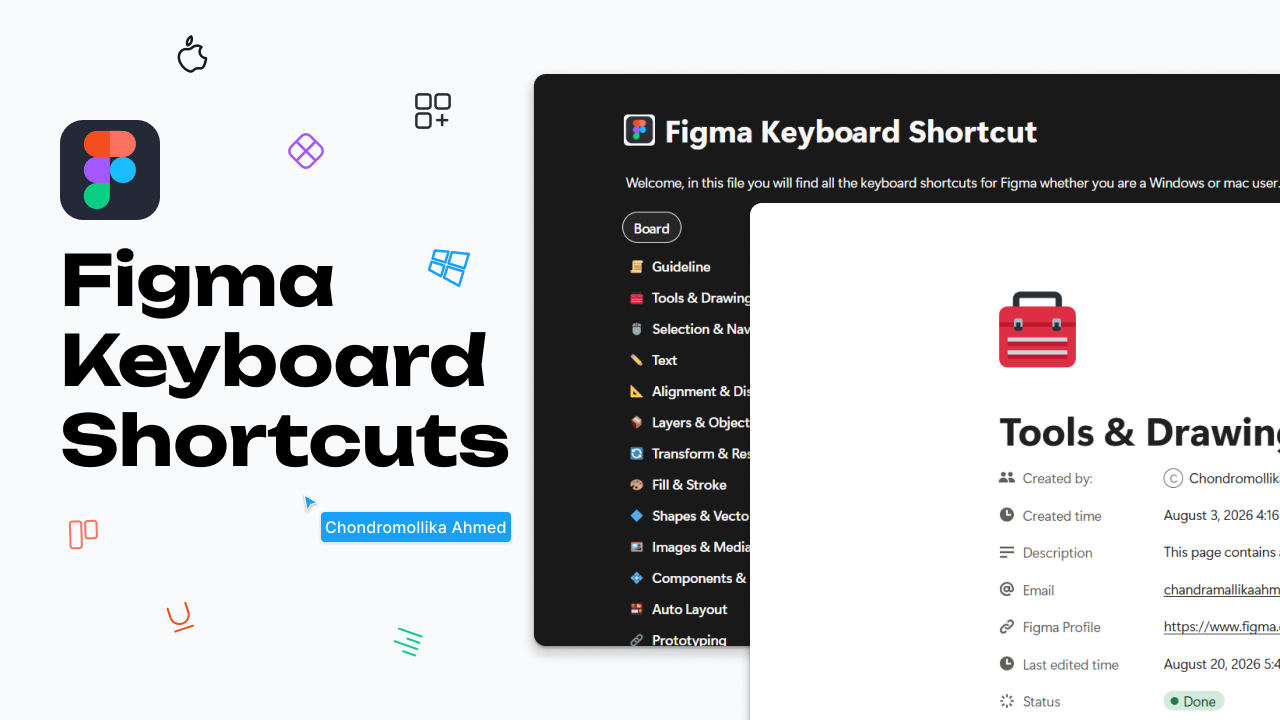
You do not realize how much time you can save by using keyboard shortcuts for your work. This Notion resource brings useful Figma keyboard shortcuts for Windows and Mac together in one organized, searchable guide.
⌨️ Keyboard shortcuts for Windows & Mac
🗂️ Shortcuts organized into 15+ categories
🔎 Searchable Notion pages for quick access
🧰 Tools & Drawing
🖱️ Selection & Navigation
✏️ Text
📦 Layers & Objects
🔄 Transform & Resize
🎨 Fill & Stroke
🔷 Shapes & Vector Editing
🖼️ Images & Media
🧩 Components & Instances
📱 Auto Layout
And more categories as the resource continues to grow
Designed for UI/UX designers, Figma beginners, students, and anyone who wants to work faster in Figma without repeatedly searching for shortcuts.
The guide is organized into individual category pages, making it easy to search for a specific action and quickly find the Windows and Mac shortcut you need.
Note: Figma shortcuts may change with product updates or vary by keyboard layout. This resource is intended as a convenient reference and will continue to be expanded and improved.
This resource is provided for personal educational and reference purposes only.
Do not resell, redistribute, share, or reproduce this resource in whole or in part.
Do not claim this resource as your own.
Please keep the resource for your own personal use.
By purchasing or accessing this resource, you agree to use it only for its intended educational and reference purposes.